
KSP8000 is a feature-rich device with external battery charger, energy-saving tips, expand and fold device, browse screen menu and more. It also supports functions like making and receiving calls, contacts, messaging, web browsing, camera and camcorder.
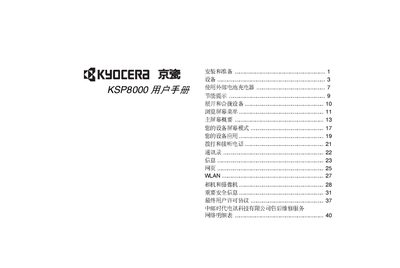
This manual provides step‑by‑step instructions for installing the KSP8000, inserting the UIM card and battery, and using the device’s functions such as calls, contacts, messaging, web browsing, WLAN, camera, and media playback. It also covers safety warnings, energy‑saving tips, and the end‑user license agreement.
Key sections include installation and preparation, external battery charger usage, screen navigation, main screen overview, screen modes, applications, and detailed descriptions of hardware buttons, ports, and status indicators. This manual is written in Chinese.
| LED indicator | Shows battery status (red while charging, green when full) |
|---|---|
| microSD card slot | Supports microSD card for storage expansion |
| Charging/Accessory port | Connects to charger or USB data cable for charging and file transfer |
| Headphone jack | Allows headset for hands‑free calls |
Press and hold the power button to open the device.
Open the back cover, insert the UIM card into the slot with the notch positioned at the upper left, and close the cover.