
The TP 170A, TP 170B, OP 170B device manual provides information on the installation, functions, operation and technical design of the SIMATIC operating units TP 170A, TP 170B and OP 170B for operators, installers, configurators and maintenance personnel.
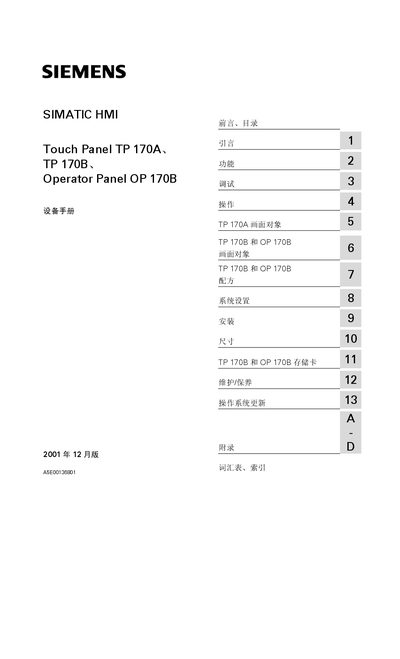
This device manual covers the Siemens SIMATIC HMI Touch Panels TP 170A, TP 170B and the OP 170B operator panel. It is intended for users, configuration designers, and service engineers who need to install, set up, operate, and maintain the panels safely.
The manual is organized into sections that describe the product’s features, debugging and operation procedures, recipe configuration, system settings, mechanical and electrical installation, operating‑system updates, and technical data. Safety guidelines and symbol definitions are also included to ensure safe handling. This manual is written in Chinese.