
Vista is an open and interoperable building automation management system. It adopts a completely open network structure to ensure that users can freely choose products and truly break away from the dependence on a single supplier. Vista can provide the best solution for any type of building or building group, regardless of the scale, number and distance between buildings. Vista can manage multiple campuses, office buildings and park buildings as efficiently as managing a single small building. Vista 5 is currently the most user-friendly building management software, providing you with a simple and easy-to-learn monitoring and operation interface. Vista 5 is based on the XML markup language vector graphics system, which not only has a beautiful interface and powerful functions, but is also easier to master and use than before. A large number of built-in components, functional modules, Internet graphics resource sharing websites and component reuse technologies will greatly improve your work efficiency.
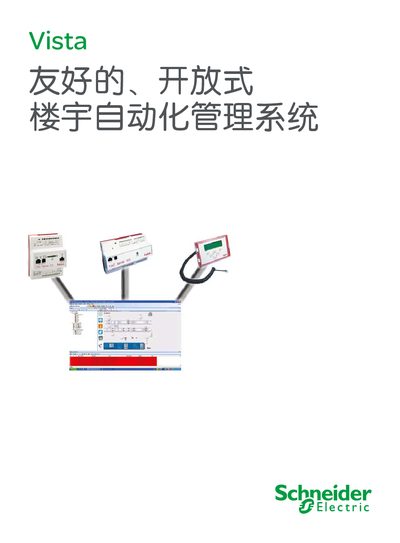
Vista 5 is an open‑architecture building automation platform that integrates signal acquisition, data communication, information sharing and network integration into a single interoperable system. It runs on Microsoft Windows, uses standard Ethernet/TCP‑IP or fiber, and the field layer is based on LonWorks technology, supporting OPC, BACnet, Modbus and many other open standards.
The system provides a rich graphical user interface, remote web access, and a suite of tools such as ScreenMate for indoor environment control and Menta for graphical programming of Xenta controllers. Vista FM extends the platform to full‑lifecycle property management, including equipment history, budgeting, and energy analysis. This manual is written in Chinese.
| VO module points per Xenta controller | 12‑20 |
|---|---|
| Digital input (DID) count | up to 10 |
| Analog output (AO) count | up to 8 |
Vista 5 supports OPC, BACnet, Modbus, Profibus and Konnex (including EIB) for integration with other control systems.
Via the Vista 5 Webstation, users can log in with any standard browser to view alarms, data, graphics, trends and reports remotely.
Vista FM integrates property management with building automation, offering equipment lifecycle management, budgeting, energy analysis and document handling.