
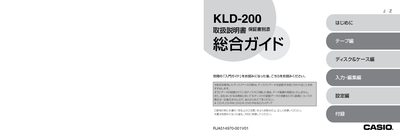
This manual explains how to safely set up and operate the Casio KLD-200 label printer. It begins with important safety warnings, such as avoiding liquids, fire hazards, and improper battery handling, and advises users to read the safety section before use.
The guide then covers basic functions, label creation workflows, formatting options, and troubleshooting tips. It includes detailed instructions for battery replacement, power connection, and proper storage to ensure reliable performance. This manual is written in Japanese.
| Battery type | Only the batteries specified for the device may be used |
|---|
Read the safety notes carefully, keep the unit away from liquids, fire, and extreme temperatures, and use only the specified batteries and power adapter.
Open the battery compartment, insert the new batteries with the correct polarity, and never mix old and new batteries or different types.