
FMD-220 instruction manual, mainly including: warning, precautions, contents in the box, names of each part, connection method, loading and unloading method, video enjoyment method, video/audio adjustment method, video/audio setting registration/calling/cancellation method, password registration/modification/cancellation method, video end, frame replacement method, main specifications, delivery before, after-sales service, etc.
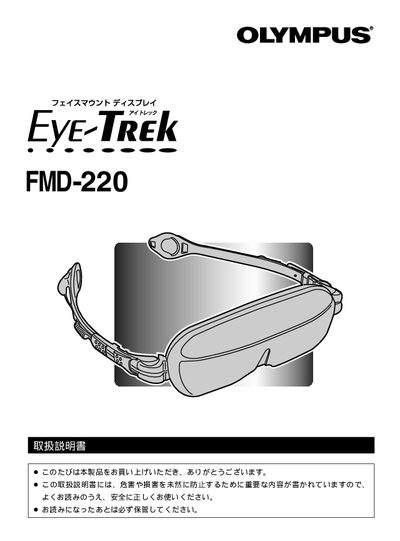
This manual explains important safety precautions, proper handling, and usage limits for the Olympus FMD-220 face‑mount display. It includes warnings about moisture, electrical hazards, and health risks, and describes how to correctly attach, adjust, and operate the device.
Detailed sections cover the product’s main features, connection methods, video/audio adjustments, password protection, frame replacement, and after‑sales service information. Troubleshooting steps help resolve common issues such as no video output or poor image quality. This manual is written in Japanese.
| Screen size (equivalent) | 52‑inch equivalent |
|---|---|
| Effective pixel rate | ≥99.99 % |
| Auto power‑off time | ≈2 h 30 min |
| Power adapter requirement | Only use supplied AC adapter |
Check that the video source is powered and that all connections are correct, then reconnect the cables as described in the troubleshooting section.
The device automatically powers off after about 2 hours 30 minutes; avoid longer continuous use to prevent eye strain and overheating.
No. Do not use the display in rainy, humid, or steamy places such as bathrooms, as moisture can cause damage or safety hazards.
Re‑register the password following the instructions on page 23 of the manual.