
This document is a user manual for a product, which introduces the basic information such as safety precautions, working positions, and function keys of the product.
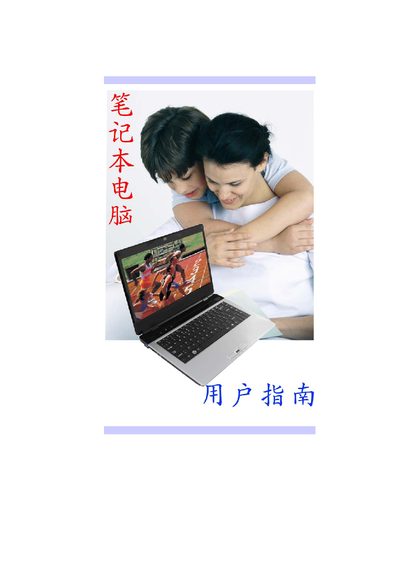
This manual provides step‑by‑step instructions for configuring the HP laptop, including BIOS settings, power options, display configuration, and system security. It also lists hardware specifications such as screen size, resolution, storage, and battery details.
The document is organized into sections like Main Setup, Advanced Setup, Intel Settings, Security, Power Setup, and Boot Setup, helping users quickly find the information they need for everyday use and troubleshooting.
| Display | 14.0" LED panel, 1366 × 768 resolution |
|---|---|
| Alternative Display | 14.1" LED or CCFL panel, 1280 × 800 resolution |
| Hard Drive | 1 × 2.5" SATA II (9.5 mm) |
| Battery | 2200 mAh, 11.1 V |
| Power Input | 100‑240 VAC, 50/60 Hz, 65 W |
| BIOS Support | APM 2.0, ACPI 3.0 |
| Dimensions | 342 mm × 248 mm × 31‑35.7 mm |
| Weight | 2.4 kg |
The laptop features a 14.0‑inch LED panel with a resolution of 1366 × 768 pixels.
It operates on an input voltage of 100‑240 VAC at 50/60 Hz and consumes up to 65 W.
The device uses a 2200 mAh battery rated at 11.1 V.
Its dimensions are 342 × 248 × 31‑35.7 mm and it weighs approximately 2.4 kg.