
This manual mainly introduces the use of laptop computers, including connecting the battery, connecting the power supply, turning on, turning off, using the touchpad, using the keyboard, BIOS settings, system installation, driver installation and other content.
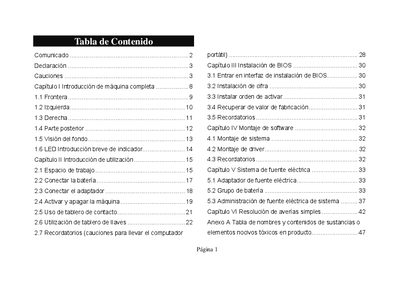
The document introduces the laptop’s components, safety precautions, and proper handling to prevent damage or injury. It covers environmental warnings, battery handling, and cleaning procedures.
It also explains how to connect power, activate and shut down the machine, install BIOS and software, and troubleshoot simple issues. Disposal and RoHS compliance information are included at the end. This manual is written in Spanish.
Press and hold the power button (source switch) for more than 4 seconds to force the laptop to turn off.