
This manual introduces the use of Wireless Book, including how to power on, power off, set up the network, and use the program
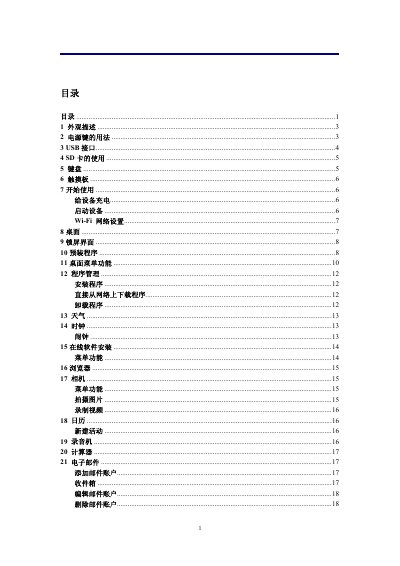
This manual provides a complete description of the Lenovo Xiaoxin Air 14 2023 laptop, including its external appearance, power‑button operation, USB and SD‑card slots, keyboard and touch‑pad layout, and step‑by‑step instructions for first‑time use such as charging, powering on, and Wi‑Fi setup.
It also details the pre‑installed applications, system settings, battery management, safety precautions, and troubleshooting FAQs, helping users get the most out of the device while ensuring safe operation. This manual is written in Chinese.
| Maximum supported SD card capacity | 32 GB |
|---|---|
| Charging time (full charge) | 4 hours |
| Battery indicator colors | Red while charging, green when full |
The device runs Android version 2.2.
Yes, charge the battery for at least 4 hours before first use; you can use the device while it charges.
The device supports a mini‑SD card.
MP2, MP3, WAV, AAC, and WMA are supported.