
This document is a basic guide on how to use and maintain a laptop, including interface introduction, basic operations, BIOS setup, driver installation, power management, and troubleshooting.
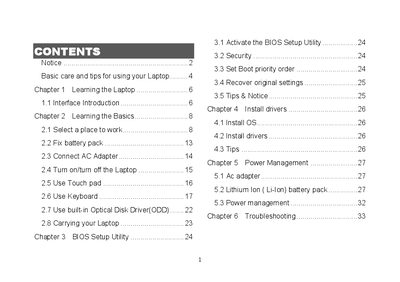
The manual explains how to use and maintain a Great Wall laptop, covering basic care, interface overview, BIOS setup, driver installation, and power management. It includes step‑by‑step instructions for turning the laptop on and off, using the touchpad, keyboard, optical drive, and various ports.
Safety notices and troubleshooting tips are provided to help users avoid damage, handle battery and AC adapter care, and resolve common issues such as display problems, USB connectivity, and standby mode failures.
Use a soft cloth moistened with water and avoid liquid or aerosol cleaners.
Press the hot key Fn + F5 to change the display mode.