
This document is a manual for a laptop computer, providing hardware and software information. It introduces the system configuration, compatibility with operating systems, hardware configuration, and interface details of the product.
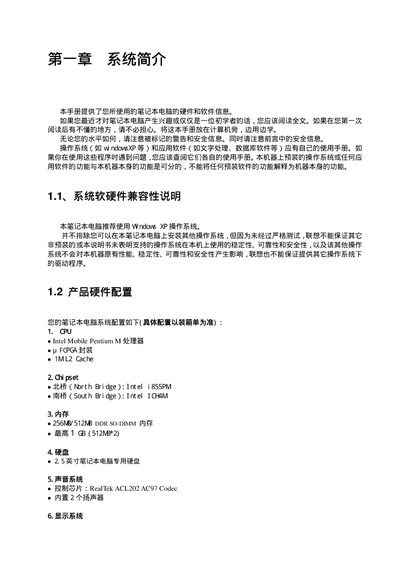
This manual provides hardware and software information for the Lenovo laptop, including system specifications, safety warnings, and quick‑start procedures. It also details the laptop’s physical layout, ports, and indicators.
Later sections cover power‑adapter connection, battery usage, and step‑by‑step driver installation for Windows XP, covering chipset, graphics, audio, network, and other components. This manual is written in Chinese.
| CPU | Intel Mobile Pentium M |
|---|---|
| L2 Cache | 1 MB |
| North Bridge | Intel i855PM |
| South Bridge | Intel ICH |
| Memory | 256 MB/512 MB DDR SO‑DIMM (max 1 GB) |
| Display | 15" TFT LCD, 1024×768 (RADEON 9000) |
| Audio Codec | RealTek ACL202 AC97 |
| Optical Drive | MD&CD RW combo |
| USB Ports | 4 × USB 2.0 |
| Battery | Li‑Ion 4400 mAh, approx. 5 h runtime |
The manual recommends using Windows XP, though other operating systems can be installed at the user’s own risk.
The battery provides about five hours of operation, depending on system load and power‑management settings.
Connect the power adapter to the laptop’s DC input, then plug the adapter into a grounded AC outlet; use the supplied cable and adapter only.
First install the chipset driver, then graphics, audio, modem, LAN, quick‑button, touch‑pad, and finally wireless LAN drivers.