
ASUS hardware usage manual for the U46E, U46S, PRO4LS, and X4LS laptop series, covering safety, setup, operation, and maintenance.
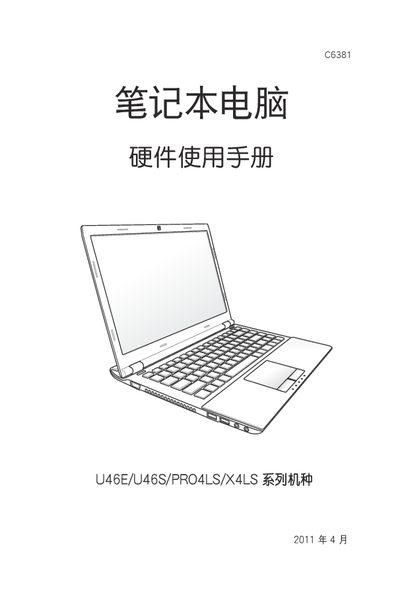
This manual provides detailed instructions for using and maintaining ASUS U46E/U46S/PRO4LS/X4LS laptops. It covers safety guidelines, hardware components, power systems, and troubleshooting. The guide includes chapters on basic operations, connecting peripherals, battery and power management, and optional features like Bluetooth and external displays. It also includes important warnings and precautions to prevent damage or injury. This manual is written in Chinese.
The manual covers the ASUS U46E/U46S/PRO4LS/X4LS laptop models.
The recommended operating temperature range is 5~35 degrees Celsius.
Use a soft dry cloth to gently wipe the screen surface, do not press or rub directly with hands.