
This is a user manual that introduces the various parts and usage methods of the laptop
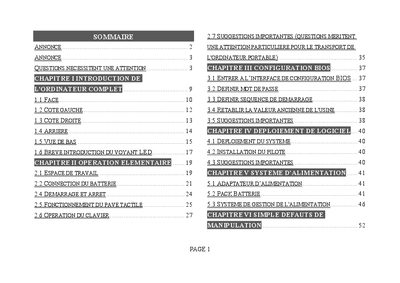
The manual outlines important safety and handling instructions, including transport precautions, operating environment recommendations, and proper cleaning methods. It also details BIOS configuration, power‑up and shutdown procedures, and usage of the keyboard, touchpad, and other peripherals.
Additional sections cover common troubleshooting for sound, printer, USB, and network issues, as well as battery handling, adapter usage, and repair warnings. The document emphasizes correct handling to avoid damage and ensure reliable operation. This manual is written in French.
Press and hold the power button for four seconds or more to force the laptop to stop.
Use the Fn key combination to change the volume level.
Ensure the USB driver is correctly installed and check that the connecting cable is secure.
Use only the authorized battery model, disconnect power before replacing it, and avoid exposing the battery to fire or extreme temperatures.