
This document is an operation manual, which mainly introduces the safety instructions for using EZ-DT-2 / EZ-DT-4 devices
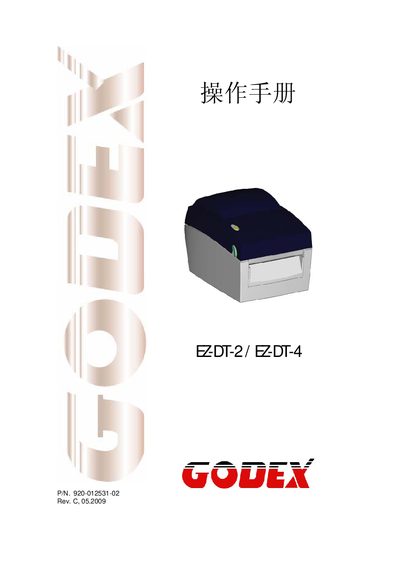
This manual begins with safety instructions, emphasizing protection against humidity, correct voltage matching, and the need for qualified service personnel. It also warns about battery replacement hazards and outlines steps to take after an injury.
The technical sections describe the device’s power requirements, environmental limits, memory capacities, supported barcode symbologies, and communication ports (USB 2.0, RS‑232, parallel). Additional information includes firmware upgrade options and certification details.
| Input Voltage | 100‑240 VAC, 50‑60 Hz |
|---|---|
| Operating Temperature | 41 °F to 104 °F (5 °C to 40 °C) |
| Storage Temperature | -4 °F to 122 °F (-20 °C to 50 °C) |
| Relative Humidity | 30‑85 % non‑condensing |
| Flash Memory | 4 MB |
| SDRAM | 8 MB |
| USB Port | USB 2.0 Type‑B |
| Serial Port | RS‑232 (DB‑9, 9600 baud, 8‑N‑1, XON/XOFF) |
| Parallel Port | Centronics 36‑pin |
Keep the equipment away from humidity, verify that the supply voltage matches the device rating, and disconnect the equipment during voltage surges.