
AVer3D CaptureHD is a powerful digital TV capture card that can receive digital TV, cable TV, and FM radio signals, and supports high-definition MPEG-2 and H.264 digital TV. It can also receive live 3D TV programs and has the ability to convert 2D live TV programs to 3D. It supports red-blue, polarized, and shutter 3D technologies, and has various input ports such as HDMI, component, AV, and S ports. It also features 1080i HD image capture, real-time recording in H.264 format, and time-shifting functionality.
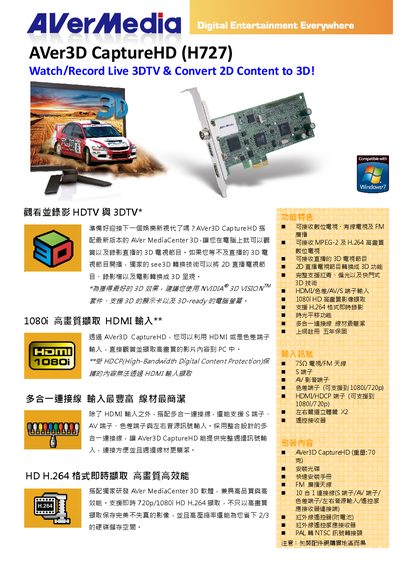
The AVer3D CaptureHD H727 captures HDMI or component (AV) video signals and can convert 2D content to 3D using red‑cyan, polarized or shutter technologies. It records high‑definition video up to 1080i/720p in H.264 or MPEG‑2 format and stores it on a PC.
The device requires a Windows PC (XP, Vista, or 7, 32/64‑bit) with at least an Intel Pentium 4 3.0 GHz or AMD Athlon 64 3200+ CPU, 1 GB RAM (2 GB recommended), and a graphics card such as NVIDIA GeForce GT 240 or higher for 3D playback. Firmware and software updates are available from the AVerMedia website. This manual is written in Japanese.
| Video Input | HDMI or component (AV) input |
|---|---|
| Supported Resolutions | Up to 1080i / 720p |
The device accepts HDMI and component (AV) inputs.
The latest drivers and software are available at http://www.avermedia.com/avertv.