
The YuanGang LCD All-Purpose King user manual provides setup, operation, and technical specifications for the digital TV‑computer receiver.
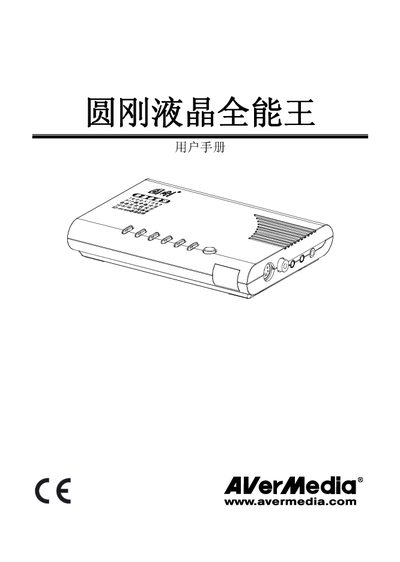
This manual introduces the YuanGang LCD All-Purpose King, a digital computer‑TV receiver that supports multiple video inputs, high‑resolution output, and picture‑in‑picture functionality. It includes product features, packaging contents, and detailed technical specifications.
The guide covers hardware installation, interface connections, remote‑control operation, channel scanning, and advanced settings such as PIP and preview modes, helping users configure and use the device safely and efficiently. This manual is written in Chinese.
| Receive Channels | DS1‑57CH, Z1‑38CH (470 MHz) |
|---|---|
| Field Frequency | 60 Hz / 75 Hz |
| Line Frequency | 31 kHz‑80 kHz |
| RF Antenna Impedance | 75 Ω unbalanced |
| Power Input | DC‑5 V |
| Video Output | Composite video (VIDEO‑OUT) |
| VGA Output | VGA‑OUT connector |
| Supported Video Inputs | VIDEO‑IN, S‑VIDEO‑IN, YPbPr‑IN, AUDIO‑IN |
The device supports three menu languages: Traditional Chinese, Simplified Chinese, and English.
Press the POWER key on the remote; it toggles between TV and computer picture modes.
Press the PIP key on the remote to enable picture‑in‑picture mode, allowing simultaneous display of TV and computer images.