
This document is the FCC notice (Class B) for the AVerMedia® AVerTV BoxW7 user manual, providing information about the device's compliance and usage requirements.
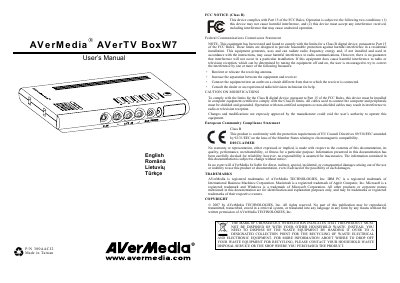
The manual begins with a list of items included in the package, such as the vertical stand, remote control with batteries, VGA cable, audio cable, power adapter and earphone jack. It describes the touch‑button control panel on the top of the unit and the infrared sensor used by the remote.
Subsequent sections cover the various connection ports (TV antenna, VGA input/output, composite video, S‑Video, audio, earphone), installation steps, remote‑control layout, TV system area selection, channel scan procedure, volume and picture adjustments, power‑on/off and sleep timer functions, as well as troubleshooting advice for possible radio‑frequency interference.
Select the SET AREA menu option; the manual refers to page 7 for detailed steps.