
This manual introduces the use of AR922 infrared thermometer, including structure, working principle, usage notes and operating instructions.
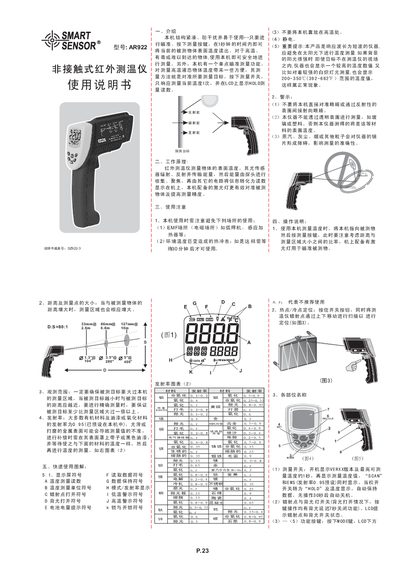
The Smart AR922 is a compact, non‑contact infrared temperature sensor designed for measuring surface temperatures of hot, toxic or hard‑to‑reach objects. It features a single‑point aiming function, a built‑in laser for precise targeting, and an adjustable emissivity setting.
The manual provides safety warnings, step‑by‑step operating instructions, detailed specifications, maintenance guidelines, and instructions for connecting the device to a computer via RS‑232 for data export. This manual is written in Chinese.
| Measurement temperature range | 200~2200 °C (392~3992 °F) |
|---|---|
| Emissivity range | 0.10‑1.00 (default 0.95) |
| Response time | 500 ms (95 % response) |
| Wavelength range | 900‑1700 nm |
| Operating temperature range | 0 °C – 40 °C (32 °F – 104 °F) |
| Operating humidity | 10 % – 80 % RH |
| Storage temperature range | -20 °C – 60 °C (‑4 °F – 140 °F) |
| Weight | 480 g |
| Dimensions | 220 mm × 134 mm × 80 mm |
| Power source | 9 V battery or 500 mA external DC supply |
| Distance‑to‑spot ratio | 80:1 |
It can measure surface temperatures from 200 °C to 2200 °C (392 °F to 3992 °F).
Emissivity is adjustable from 0.10 to 1.00, with a default preset of 0.95.