
This document is a user guide for the Smart Label Printer on Windows 95, 98, Windows NT 4.0, and Windows 2000 operating systems. The document provides information on the printer's FCC compliance statement and applicable EC directives and standards.
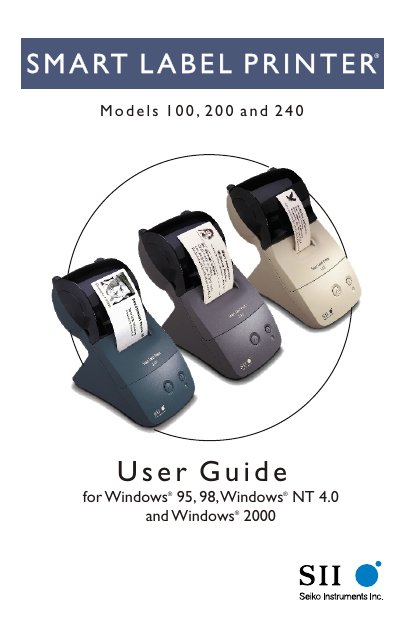
The Smart Label Printer User Guide provides step‑by‑step instructions for setting up and using the SLP 100, 200 and 240 models on Windows 95/98/NT 4.0/2000. It includes safety warnings, hardware installation, label loading, software installation and troubleshooting tips.
Appendices contain detailed technical specifications, common questions, service information and ordering details for labels and replacement parts.
| Printer Technology | Direct thermal |
|---|---|
| Resolution | 203 dpi (8 dots/mm) |
| Maximum Paper Width | Model 100 1.22 in (31 mm), Model 200/240 2.28 in (58 mm) |
| Maximum Printable Width | Model 100 0.94 in (24 mm), Model 200/240 1.89 in (48 mm) |
| Print Speed | Model 100/200 8 seconds, Model 240 3 seconds (average) |
| Interface | USB and RS‑232 |
| Power Input | Model 100/200 AC adapter PW‑0006‑U1 100‑120 V; Model 240 universal PW‑0012‑W1 100‑240 V |
| Dimensions | 4.49 in (W) × 7.48 in (D) × 6.61 in (H) |
| Weight | 1.14 lb (515 g) |
Only the AC adapter supplied with the printer or an AC adapter approved by Seiko Instruments should be used.