
This document is a user guide for SMART Document Camera 330
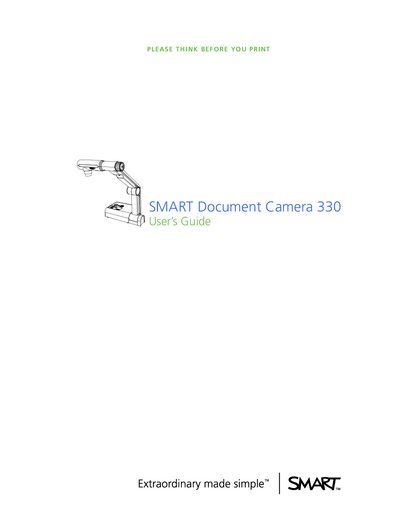
The SMART Document Camera 330 lets you display 3D objects, documents, and microscope slides on a computer, projector, or TV, and capture images to SMART Notebook or an SD/SDHC card. It integrates with SMART Notebook software and SMART Board interactive whiteboards for collaborative presentations.
The manual covers safety warnings, installation steps, connection panels, camera and computer views, software drivers, and support information, including FCC compliance, RoHS, and WEEE regulations.
| Resolution | 1.3 MP |
|---|---|
| Optical Zoom | 2x |
| Digital Zoom | 8.0x |
| Frame Rate | Up to 30 fps |
| Video Output | DVI‑D |
| Supported Memory Cards | SD or SDHC |
| LED Lamp | Bright LED |
Do not push foreign objects into openings, avoid staring into the lamp, keep clear of pinch points on the camera arm, and disconnect the unit before cleaning or during thunderstorms.
The camera can output SXGA, WXGA, 720p, or XGA resolution.
Images can be saved to an SD or SDHC memory card, a USB memory stick, or directly to a connected computer.