
Sanyo SMT-40KE3 LCD monitor manual, introduces the use of the monitor, installation method, safety precautions and other content
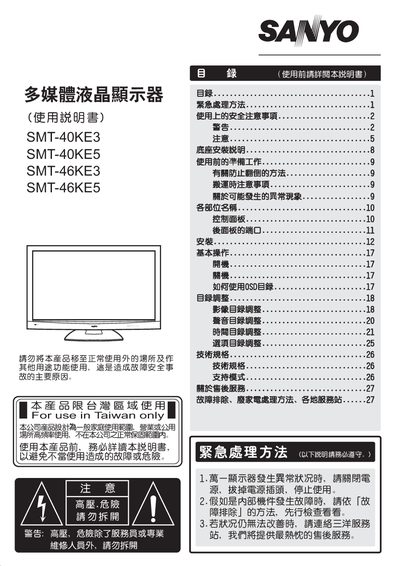
This manual covers essential safety precautions, proper installation, and handling of the Sanyo SMT‑40KE3, SMT‑40KE5, SMT‑46KE3, and SMT‑46KE5 multimedia LCD monitors. It explains how to set up the unit, connect power, and adjust picture settings such as brightness, contrast, volume, and time.
Additional sections describe technical specifications, recommended operating environments, maintenance procedures, and detailed troubleshooting methods, including steps to follow when abnormal behavior occurs and how to contact Sanyo service centers for support. This manual is written in Chinese.
| Design safety lifespan | 10 years |
|---|---|
| Operating temperature range | 5 °C – 35 °C |
| Power supply voltage | AC 110 V |
Turn off the power, unplug the power cord, and stop using the monitor. If the problem persists, contact Sanyo service personnel.
No. The manual states that only authorized service personnel may open the unit; self‑repair is prohibited.