
This manual explains how to operate the VPC-CG20EX, VPC-CG20, VPC-CG20GX, VPC-CG20PX and VPC-CG20TA safely.
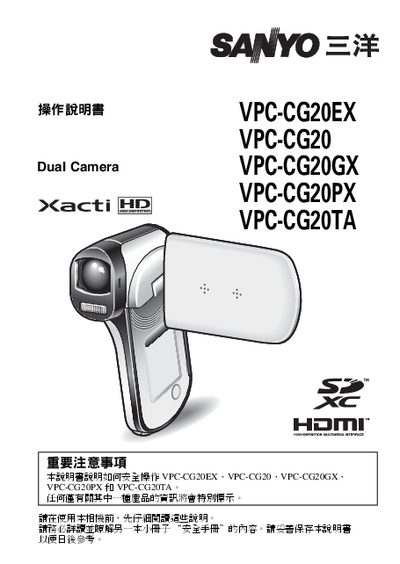
This manual begins with important safety information and guidance on how to use the documentation. It then walks the user through basic camera preparation, battery installation, and memory card handling.
Subsequent sections cover shooting and playback functions, camera settings such as date/time and ISO, USB/AV connection for data transfer, and special shooting modes like night portrait. A FAQ and troubleshooting chapter provides answers to common questions and error resolution. This manual is written in Chinese.
| Supported memory cards | SD, SDXC |
|---|---|
| Night shooting mode | Available |
| USB interface | USB/AV connector provided |
Use the supplied USB/AV cable and connect the camera to a USB port on the computer.
Increase the ISO setting, keep the camera steady for about two seconds, and use the optical zoom if needed.