
This document describes a power supply with a power output of 80 watts, which supports both AC and DC power supply modes. It also includes AM and FM radio broadcasting, as well as cassette and CD playback functions.
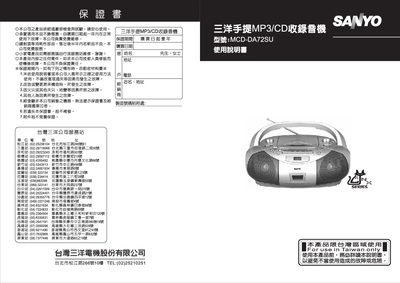
The manual provides step‑by‑step instructions for operating the MCD‑DA72SU portable MP3/CD stereo radio, covering source selection, volume control, radio tuning, cassette playback, and CD/MP3/USB/SD‑MMC functions. Safety precautions, battery handling, and power‑supply guidelines are also included to ensure reliable and safe use.
Additional sections describe programming track numbers, editing track order, repeat and intro functions, as well as troubleshooting tips for common issues such as no sound, playback errors, and electrostatic discharge. Maintenance advice and specifications are listed for quick reference. This manual is written in Chinese.
| Power supply | AC 110V 60Hz or DC 12V |
|---|---|
| Output power | 80 W (P.M.P.O.) |
| Power consumption | 20 W |
| Speaker rating | 3 W / 8 Ω |
| Radio frequency range | AM 540 kHz – 1600 kHz, FM 88 MHz – 108 MHz |
| Cassette frequency response | 125 Hz – 8000 Hz |
| CD frequency response | 125 Hz – 10000 Hz |
| Dimensions | 355 mm (W) × 254 mm (D) × 154 mm (H) |
| Weight | 2.4 kg |
Turn the unit off, unplug it, then reconnect the power source to reset the product.
Open the battery compartment, insert eight LR‑14 (C‑cell) batteries with correct polarity, and close the compartment.
Enter PROG mode, select a track number, press PROG to store it, repeat for up to 32 tracks, then press PLAY/PAUSE to play the program.
Pressing REPEAT once repeats the current track; pressing it again selects REPEAT ALL to repeat the entire disc; a third press cancels repeat mode.