
This is a user manual for a color CCD camera, which mainly introduces the appearance size, name and function of each part of the camera, wiring and installation
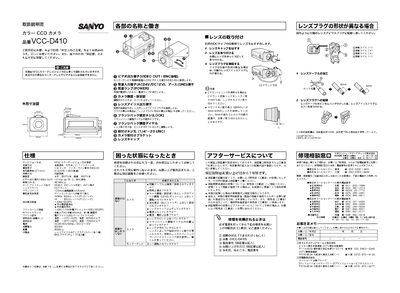
This manual covers the Sanyo VCC-D410 color CCD camera, a NTSC‑compatible device with a 1/4‑inch CCD sensor and interchangeable lenses. It includes specifications, safety notices, and warranty information.
The guide explains how to install the camera, connect power and video cables, adjust lens focus and flange back, and configure settings such as iris, white balance, and flicker correction. Troubleshooting tips and service contact details are also provided. This manual is written in Japanese.
| Effective Pixels | 510 (H) x 492 (V) |
|---|---|
| Resolution | Horizontal 350 TV lines, Vertical 350 TV lines |
| Power Consumption | ≈28 W |
| Weight | ≈280 g |
| Dimensions | 25.8 mm (approx.) |
Connect the camera’s VIDEO OUT BNC connector to the monitor’s VIDEO IN connector using a BNC cable.