
This manual describes how to use the GXR camera. It is divided into three parts: Preparation, Basic, and Application.
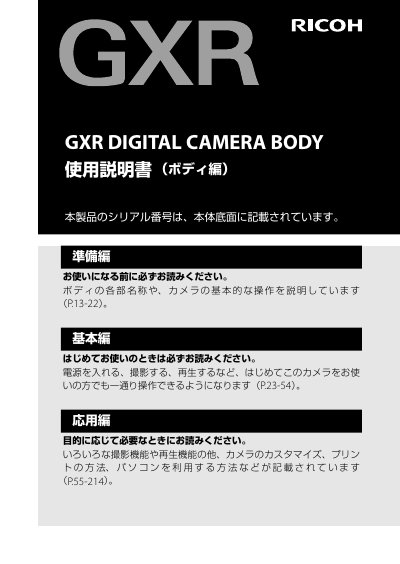
The Ricoh GXR Body User Manual provides step‑by‑step instructions for preparing the camera, performing basic operations such as powering on, shooting, and playback, and accessing advanced functions like custom settings and Bluetooth connectivity. It also includes detailed safety warnings, battery handling guidelines, and warranty information.
Additional sections cover customer registration, a list of included accessories, software installation for image transfer, and contact details for Ricoh service centers. The guide is organized into preparation, basic use, advanced features, safety, and support chapters. This manual is written in Japanese.
| Serial number location | Body bottom |
|---|
Visit Ricoh’s registration page at http://www.ricoh.com/dc/regist/ and follow the online instructions.
Immediately turn off the power, remove the battery, unplug the power plug, and contact Ricoh repair service.
The serial number is printed on the bottom of the camera body.