
This is a Canon camera user manual that provides detailed instructions on how to use the camera, including basic shooting and playback functions, as well as advanced shooting and playback functions, camera settings, printing photos, and using the camera with a computer.
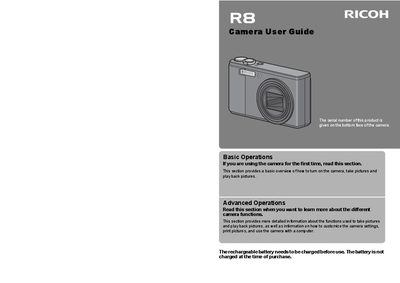
This manual covers safety precautions, battery handling, and warnings to prevent injury, fire, or damage to the camera. It explains how to power the device, avoid liquid crystal exposure, and what to do in case of smoke, overheating, or battery leakage.
The guide also describes the camera's features such as the 7.1× optical zoom lens, macro shooting, flash distances, and customizable shooting settings. It includes information on software installation, support contact numbers, and environmental initiatives.
| Optical zoom | 7.1× |
|---|---|
| Focal length range | 28‑mm to 200‑mm |
| Macro shooting distance | 1 cm |
| Close‑up flash distance | 25 cm (Telephoto) / 20 cm (Wide‑angle) |
| Camera shake correction | Enabled |
Do not use a battery that is significantly damaged or deformed, keep it away from water, fire, and extreme temperatures, and remove it immediately if it leaks.
Use the My Settings mode to register two groups of settings and select them with the mode dial (MY 1 / MY 2).
Call the regional toll‑free support numbers listed in the manual, such as +1‑800‑458‑4029 for North America.