
This manual is an operation instruction book, which introduces the general settings and functions of the device. Users should read this manual carefully and comply with the relevant safety information before using the device.
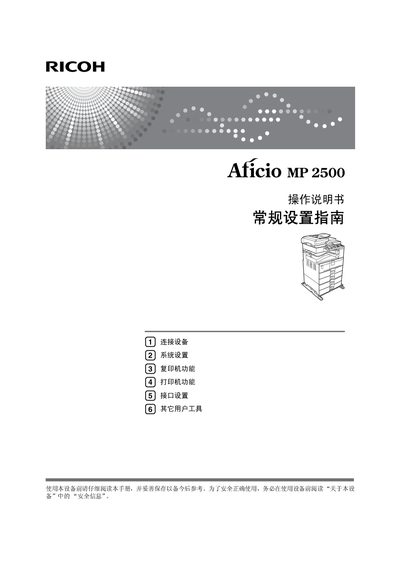
This manual guides users through the basic and advanced functions of the Ricoh MP2500 multifunction device. It covers safety information, initial setup, connection methods, and detailed operation of copy, print, and scan features.
Additional sections describe system settings, user tools for customizing defaults, interface configuration, network setup, and a troubleshooting guide to resolve common issues such as paper jams and consumable replacement. This manual is written in Chinese.
Press the "User Tools / Counter" key on the control panel.
Use the User Tools menu to select and modify default values.
It marks important safety warnings that must be read to avoid injury or damage.