
This document is a manual for updating the firmware of the CX1 camera. It explains how to download the firmware from the company's website and update it.
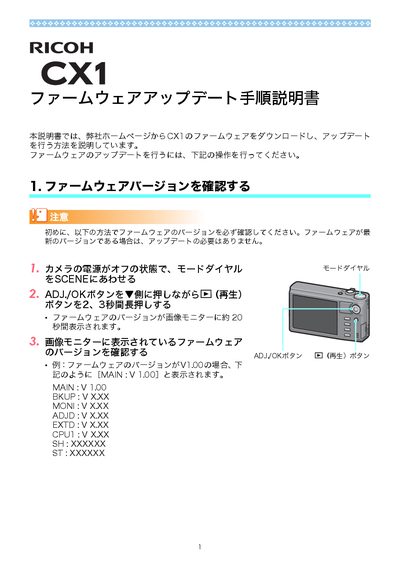
The document provides step‑by‑step instructions for updating the firmware of the Ricoh CX1. It starts with checking the current firmware version on the camera’s monitor, then describes how to download the update from Ricoh’s website and extract the files.
Next, it covers copying the firmware files to an SD‑memory card either via a USB connection or a card reader, initializing the card if needed, and finally performing the update on the camera, including handling error messages and confirming successful installation. This manual is written in Japanese.
Press and hold the ADJ./OK button while pressing the playback button for 2‑3 seconds; the version is shown on the image monitor for about 20 seconds.
Insert the SD card into the camera, connect the camera to a PC with the supplied USB cable, and copy the extracted firmware files (flaunch3 and flaunch8) to the card’s root directory.
Press the ADJ./OK button to confirm, then the camera will start the update, display progress messages, and reboot automatically.