
This manual provides basic connections and operating instructions for the VSP-8500 System Controller.
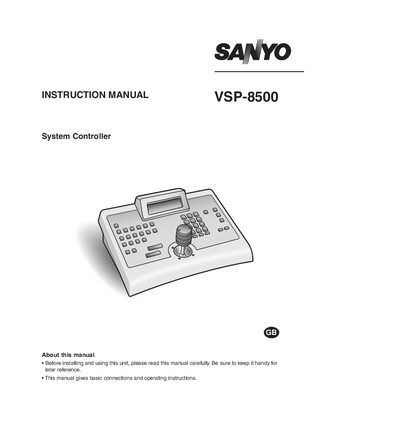
The VSP-8500 is a system controller used to operate and manage video cameras and DVR functions. This manual explains how to set up the unit, connect accessories, and configure communication protocols.
Key sections cover safety cautions, power requirements, language selection, password and key‑lock settings, camera operation via joystick, and detailed command tables for various camera brands. The appendix provides command reference tables and regulatory information.
| Input voltage | 100 to 240 V |
|---|---|
| Supported languages | English, Italian, French, German, Spanish, Japanese |
| Power supply | Provided AC adapter |
Immediately unplug the AC adapter power plug from the outlet and request repairs from the installer or purchasing source.
No. Only the provided AC adapter should be used to avoid fire or electric shock hazards.
Six languages are available: English, Italian, French, German, Spanish, and Japanese.
The unit must be powered from a 100 V to 240 V AC source.