
This guide introduces the basic steps that must be performed to power on the server for the first time and boot using the preinstalled Solaris™ Operating System (Solaris™ OS).
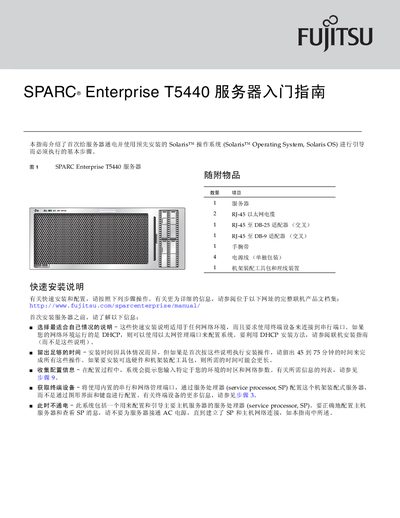
This guide introduces the Fujitsu SPARC Enterprise T5440 server and lists all supplied items, including the server unit, RJ‑45 cables, power supplies, and a rack‑mount tool kit. It offers a quick‑install procedure for users who need to get the system up and running rapidly.
Detailed sections cover hardware installation, connecting the Service Processor (SP) via the SER MGT port, configuring network interfaces, and setting up the Solaris operating system. The document also provides command‑line examples for system diagnostics and points to web resources for the latest firmware and documentation. This manual is written in Chinese.
| Serial console speed | 9600 baud, 8 data bits, no parity, 1 stop bit |
|---|---|
| RJ‑45 to DB‑25 crossover cable | Included |
| RJ‑45 to DB‑9 crossover cable | Included |
The guide specifies the default root password as “changeme”.