
This is the instruction manual of 3120 watch, which introduces the functions and usage of the watch.
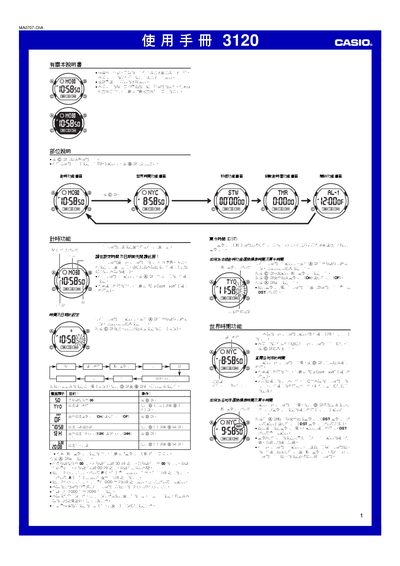
This manual provides step‑by‑step instructions for all functions of the Casio 3120 watch, including time setting, DST adjustment, world‑time city selection, stopwatch operation, countdown timer, alarm configuration and back‑light control. It also contains reference data such as city codes and technical notes.
The guide is organized by function, with each section describing the required button presses (A, B, C, D) and the meaning of on‑screen symbols. Helpful tips on battery usage, automatic calendar behavior, and display modes are included. This manual is written in Chinese.
| Year range | 2000–2099 |
|---|---|
| Automatic calendar | Adjusts month length and leap year automatically |
| World time cities supported | 48 cities (29 time zones) |
Enter the world‑time screen, select the city with D, then hold A for about one second to toggle DST on or off for that city.