
This manual provides instructions and operation functions for the handbook 3078 1 MA0703-CkA, including timer mode, world time mode, etc. It also provides step-by-step instructions for setting the time and date, daylight saving time, and standard time.
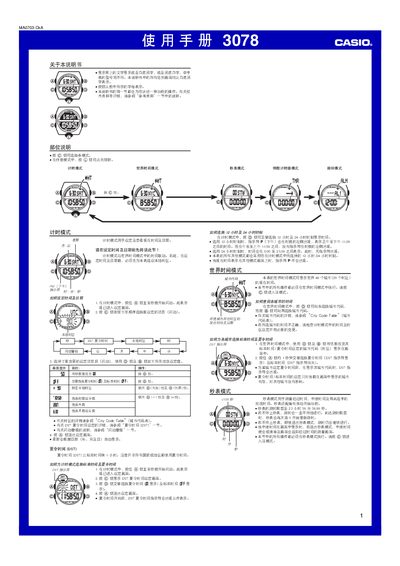
This manual provides step‑by‑step instructions for operating the Casio 3078 watch, covering time‑setting, world‑time cities, stopwatch, countdown timer, alarm and illumination features. It also includes reference tables such as the city code list and technical notes.
The guide explains button functions, display formats, automatic illumination, and safety warnings, helping users get the most out of the watch’s multiple modes and settings. This manual is written in Chinese.
| Calendar year range | 2000–2099 |
|---|---|
| Time display format | 12‑hour or 24‑hour |
| Stopwatch maximum time | 23 h 59 min 59.99 s |
| World cities supported | 48 cities |
| Automatic illumination duration options | 1.5 s or 3 s |
In Timekeeping mode, press the D button to toggle between 12‑hour and 24‑hour time display.
In any mode, hold the B button for about 3 seconds to toggle the automatic illumination indicator on or off.