
This document is a manual for the Ck EX-Z1080 K848PCM1DMX digital camera, which introduces the camera's accessories, usage methods, shooting functions, etc.
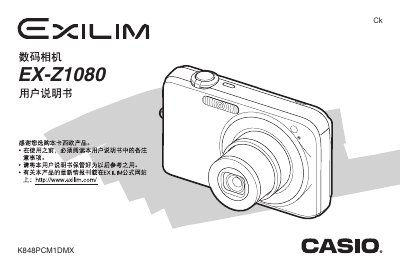
This manual provides complete operating instructions for the Casio EX-Z1080 digital camera. It begins with unpacking and quick-start steps such as charging the NP-40 battery, inserting a memory card, and setting the display language, date, and time. The guide then explains snapshot and movie recording, zoom, flash, self-timer, continuous shooting, face detection, and BEST SHOT scene modes.
Advanced sections cover focus modes, exposure compensation, white balance, ISO sensitivity, metering, and image adjustments. Playback features include slide show, TV output, zoom playback, and calendar view. Editing functions allow resizing, cropping, keystone correction, color restoration, rotation, and movie frame extraction. The manual also details file management, printing, USB connection to Windows or Mac, and troubleshooting. An appendix lists full specifications, battery and charger details, and indicator lamp meanings. This manual is written in Chinese.
| Product type | Digital camera |
|---|---|
| Model | EX-Z1080 |
| Movie format | H.264/AVC MOV |
| Internal memory | 11.4 MB |
| Supported memory cards | SDHC, SD, MMC, MMC plus |
| Battery life (CIPA) | 370 shots |
| Continuous playback time | 590 minutes |
| Continuous movie recording | 160 minutes |
| Weight (without battery/accessories) | Approx. 125 g |
| USB interface | USB 2.0 full speed |
| Charger model | BC-31L |
| Charger input | 100–240 V AC, 50/60 Hz |
| Charger output | 4.2 V DC, 600 mA |
| Charge time | Approx. 150 minutes |
A full charge takes approximately 150 minutes using the BC-31L charger.
The camera supports SDHC, SD, MMC, and MMC plus cards.
Approximately 370 shots under CIPA standard test conditions.