
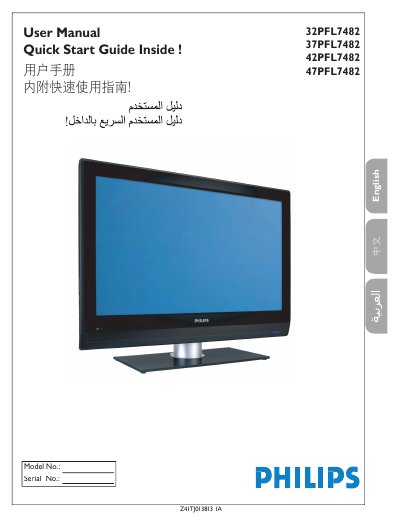
This user manual guides you through connecting your Philips TV to various devices using different input types like HDMI, Component Video, and S-Video. It explains how to set up cable and antenna signals, and how to use the remote control to switch between inputs. The manual also includes safety warnings and setup instructions for optimal performance.
The guide covers basic connections such as RF, Composite, and S-Video, as well as advanced options like HDMI and Component Video. It provides step-by-step instructions for connecting devices like DVD players, VCRs, and computers, and explains how to use the AV button on the remote to select the correct input.
Better Component Video input provides superior picture quality.
HDMI High-Definition Multimedia Interface provides the ultimated connection.
Run the Auto store function to set up the TV for available broadcast or cable channels.