
User manual for the Philips 17SI LCD monitor, covering safety, setup, troubleshooting, and specifications.
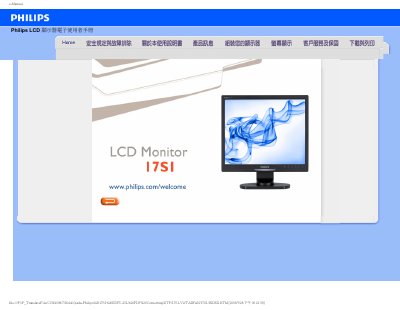
This document serves as the user manual for the Philips 17SI LCD monitor. It provides essential safety information, including operating temperature ranges and handling precautions to prevent damage to the LCD panel. The guide also details how to properly connect the monitor to a computer and adjust settings via the On-Screen Display (OSD). This manual is written in Chinese.
| Recommended Resolution | 1280x1024 @60Hz |
|---|---|
| Recommended Refresh Rate | 60Hz |
| Operating Temperature | 0-40°C |
| Operating Humidity | 20-80% RH |
The recommended resolution is 1280x1024 @60Hz.
The recommended refresh rate is 60Hz, though it can go up to 75Hz if needed to reduce interference.
Yes, the monitor can be mounted on a wall using standard VESA mounting holes on the back.
The monitor supports Plug-and-Play functionality with Windows 95, 98, 2000, XP, Vista, and Linux.