
Philips 26TA2800 32TA2800 32TA3000 TV User Manual

This manual describes the connection methods of 26TA2800, 32TA2800, 32TA3000, including S-Video, Composite, RF, Component and HDMI connection methods.
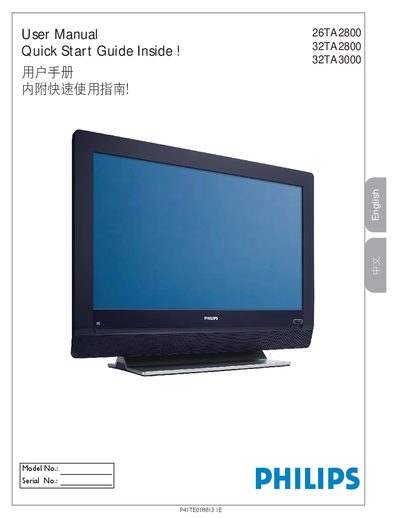

Philips 26TA2800 32TA2800 32TA3000 TV User Manual - cover page
Brand
Philips
Category
Television
Document type
User Manual
Language
English
Pages
32
File format
PDF
File size
3.9 MB
Updated
30 September, 2023
MD5 checksum
4C883CF4AFA251EA832200DAC0B39E04

About this manual

This user manual and quick start guide covers the Philips 26TA2800, 32TA2800 and 32TA3000 LCD TVs. It explains how to connect the TV using RF, composite, S-Video, component, HDMI, D-SUB PC and side AV inputs.

The guide also includes important safety instructions, warnings for installation and use, and steps for connecting cable boxes, VCRs, DVD players, computers and antennas.

What's inside

  • Cover & Connection
  • Welcome
  • IMPORTANT SAFETY INSTRUCTIONS
  • Know these safety symbols
  • For Customer Use
  • Tilt/Stability
  • Wall or Ceiling Mounting
  • Power Lines
  • Outdoor Antenna Grounding
  • Battery Usage

Frequently asked questions

What video and audio inputs does the TV support?

The TV supports RF, composite, S-Video, component, HDMI, D-SUB PC and side AV connections.

Which models have CVI1 and CVI2 inputs?

CVI1 and CVI2 are only available for the 32TA2800 and 32TA3000 models.

What should you do after setting up the TV connections?

Run the Auto store function to set up the TV for available broadcast or cable channels.

Where is the serial number located?

The Serial No. is located on the rear of the cabinet.

Download PDF (3.9 MB)

More Philips Manuals


View all Philips manuals →