
This is an instruction manual that guides users how to connect a TV
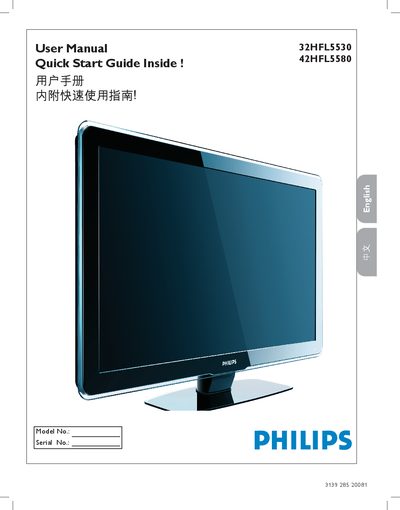
This manual provides step‑by‑step guidance for installing, connecting, and operating the Philips 32HFL5530/32HFL5580 LCD television. It covers safety precautions, wall‑mounting instructions, remote‑control functions, and menu navigation.
Detailed sections explain how to connect video sources (HDMI, Component, S‑Video, AV, VGA, SPDIF), adjust picture and sound settings, troubleshoot common issues, and understand the technical specifications of the TV. This manual is written in Chinese.
| Power consumption | 140 W |
|---|---|
| Standby power consumption | < 2 W |
| VESA mounting pattern | 400 mm × 400 mm (32‑inch), 200 mm × 300 mm (42‑inch) |
| HDMI ports | 3 (HDMI 1, HDMI 2, HDMI 3) |
The TV provides three HDMI ports: HDMI 1, HDMI 2 and HDMI 3.
The standby power consumption is less than 2 watts.
The 32‑inch TV requires M6 screws (not included).