
This document is the installation instruction of Smart Proxy Plugin. It introduces the setting steps for downloading full text in a non-original domain and the method for downloading the full text file you want to see.
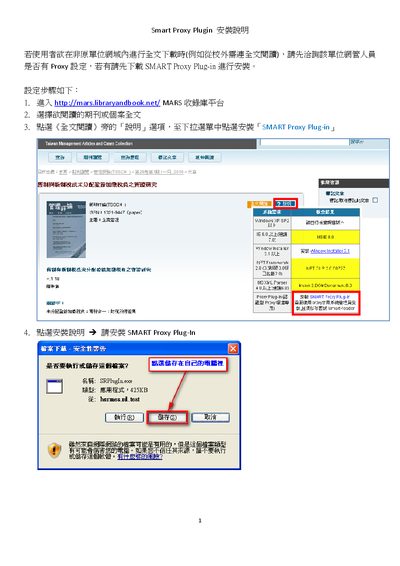
This guide explains how to install the SMART Proxy Plugin for accessing full‑text resources from the library platform. Users start by opening the MARS library website, selecting the desired journal or case, and clicking the install option for the SMART Proxy Plug‑in. The installer then guides you through selecting an installation folder and completing the extraction.
After installation, the plugin must be configured with the appropriate proxy server settings (address, port, and user credentials). The document also notes system requirements such as Windows Installer 3.1, .NET Framework, and provides troubleshooting tips for proxy connection failures. This manual is written in Chinese.
| Installer size | 425 KB |
|---|---|
| .NET Framework requirement | 3.5 or higher |
| Windows Installer version | 3.1 |