
HP Business Inkjet 2800 series is an economical, easy-to-maintain workgroup-level wide-format printer with data compression technology to improve printing efficiency.
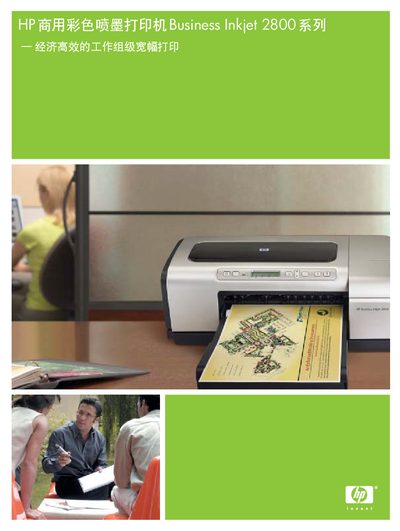
The HP Business Inkjet 2800 Series is a commercial color inkjet printer designed for work‑group environments. It offers high‑resolution printing, low‑cost ink consumption, and robust network connectivity for up to ten users.
This manual covers hardware overview, control panel functions, paper handling, network configuration, printing performance, consumable replacement, and service information. Technical specifications, warranty details, and support resources are also included. This manual is written in Chinese.
| Print speed (black & white, letter/A4, economic mode) | 24 ppm |
|---|---|
| Print speed (color, letter/A4, economic mode) | 21 ppm |
| Maximum print resolution | 4800 x 1200 dpi |
| Processor | 256 MHz Motorola 32‑bit ColdFire 4e RISC |
| Memory (standard / expandable) | 96 MB RAM, expandable to 544 MB |
| Monthly print load | Up to 12,000 pages |
| Input paper capacity | 150‑page standard tray, optional 250‑page tray |
| Output tray capacity | 100 pages with extension board |
| Interfaces | IEEE1284 parallel, USB 2.0, 1 EIO slot, optional HP Jetdirect 620n Ethernet |
| Maximum power consumption | 67 W |
The printer’s built‑in HP Jetdirect 620n Ethernet server can support up to ten users.
The printer is rated for a monthly print load of up to 12,000 pages.
Press the cancel button on the control panel to stop the current print job immediately.