
This document is a user guide for the C3100 printer, which describes the features and characteristics of the printer, including the overview, status panel, buttons, and LED display.
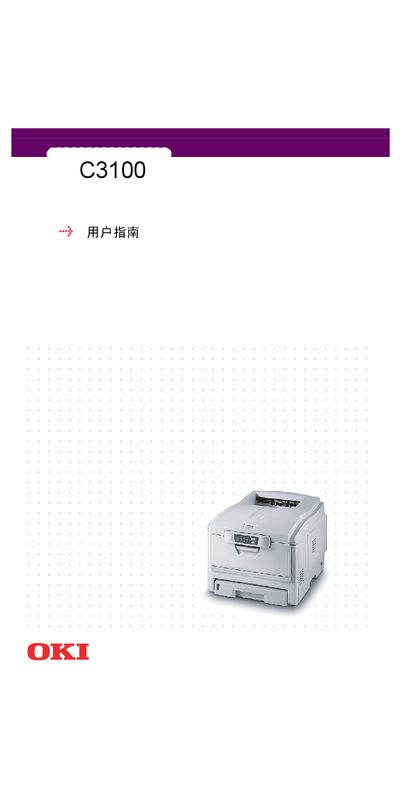
This user guide for the OKI C3100 color printer explains how to operate and maintain the device. It describes the printer's front and rear views, status panel, buttons, and LED indicators.
The manual also provides paper recommendations, instructions for loading paper and using the trays, Windows printer driver and color settings, status monitor use, replacement of consumables such as toner cartridges and drums, memory installation, paper jam clearing, and technical specifications. This manual is written in Chinese.
| Dimensions | 425 x 561 x 345mm (W x D x H) |
|---|---|
| Weight | Approximately 26 kg |
| Print speed (color) | 12 pages per minute |
| Print speed (black and white) | 20 pages per minute |
| Resolution | 600 dpi or 1200 x 600 dpi |
| Memory | 32 MB standard, upgradeable to 96 MB or 288 MB |
| Paper capacity (main cassette) | 300 sheets |
| Paper capacity (multi-purpose tray) | 100 sheets |
| Printer life | 420,000 pages or 5 years |
Yes. Standard memory is 32 MB and can be upgraded to 96 MB or 288 MB.
It supports paper from 75 to 203 g/m2.
The printer life is 420,000 pages or 5 years of use.