
This is a manual for a watch, which introduces the functions and usage of the watch.
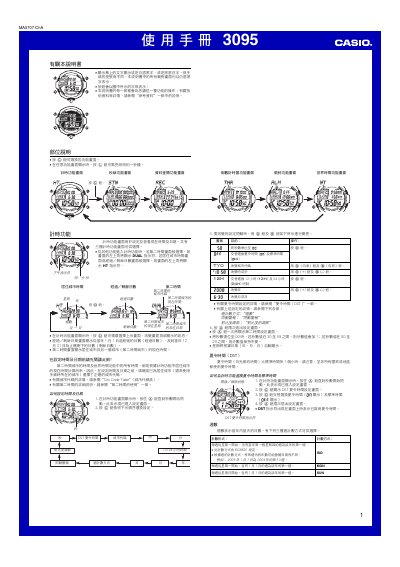
This manual provides step‑by‑step instructions for operating the Casio 3095 wristwatch. It covers setting the time and date, configuring dual‑time and world‑time displays, using the stopwatch, countdown timers, alarms, and the automatic illumination feature.
Safety notes, battery‑saving tips, and detailed reference data such as city codes and contrast adjustment are also included to help users get the most out of the watch. This manual is written in Chinese.
| Illumination panel | EL (electroluminescent) panel |
|---|---|
| Calendar | Full automatic calendar |
| Countdown timer range | 1 s to 99 h 59 m 59 s |
Press and hold the A button until the seconds flash to enter setting mode, then use the C, D and B buttons to adjust the fields as described.
While the time screen is displayed, press and hold the L button for about three seconds to turn on the automatic illumination feature.
The watch provides five independent multi‑function alarms plus an hourly chime that can be set to repeat daily, weekdays, weekends or once.
Each countdown timer can be set from 1 second up to 99 hours 59 minutes 59 seconds.