
This manual introduces the usage and features of the manual 3122 1 MA0707-CkA, including the operation of the timing mode and world time mode, as well as the selection of daylight saving time and city codes.
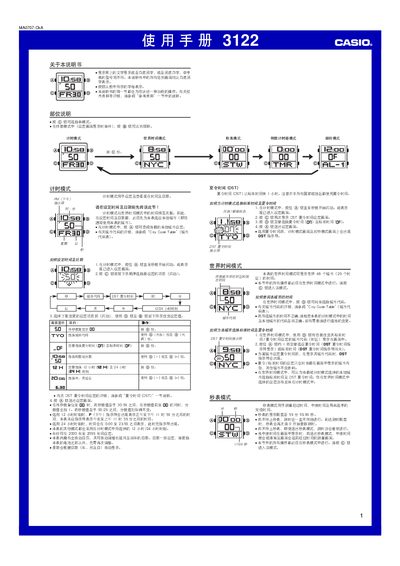
This manual explains how to operate the Casio 3122 1MA0707-CkA wristwatch. It covers the basic time‑setting functions, world‑time display for 48 cities, stopwatch, countdown timer and alarm modes, as well as illumination and button‑sound settings.
Each section provides step‑by‑step button sequences (A, B, C, D) for entering setting screens, adjusting values, and confirming changes. Reference tables such as the City Code Table and technical notes are also included. This manual is written in Chinese.
| Display illumination type | EL (electronic fluorescent) panel |
|---|---|
| Year setting range | 2000‑2099 |
| Stopwatch display limit | 59 min 59.99 sec |
| Calendar type | Full automatic calendar (adjusts month length and leap years) |
In Timekeeping mode, hold the A button until the seconds start flashing to enter the setting screen, then use the C button to select the item to set and adjust values with the D (+) and B (–) buttons.
In any mode (except the setting screen), press the B button to light the EL panel; you can choose a duration of 1.5 seconds or 3 seconds in the setting screen.
Enter Alarm mode with the C button, select an alarm with the D button, then hold the A button to turn the alarm on or off.
The watch allows setting the year from 2000 to 2099.