
This is the user guide for HP Color LaserJet CP1510 series printers. The guide introduces the features and characteristics of the printer, as well as how to use it.
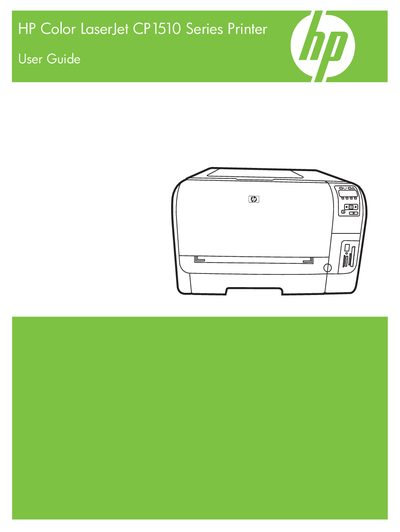
This guide covers everything needed to install and use the HP Color LaserJet CP1510 Series printer, including hardware walk‑around, control‑panel functions, and software installation for Windows and Macintosh. It also explains how to configure USB, network, and embedded web server connections.
Later sections detail paper and media handling, color management, photo printing, and service procedures such as cartridge replacement, firmware upgrades, and troubleshooting common issues like paper jams and print‑quality problems.
| Humidity range | 20 % to 60 % RH (allowed 10 % to 80 % RH) |
|---|
Remove any excess media from the input tray, adjust the paper guides, and follow the troubleshooting steps that describe clearing jams in specific trays or the fuser area.