
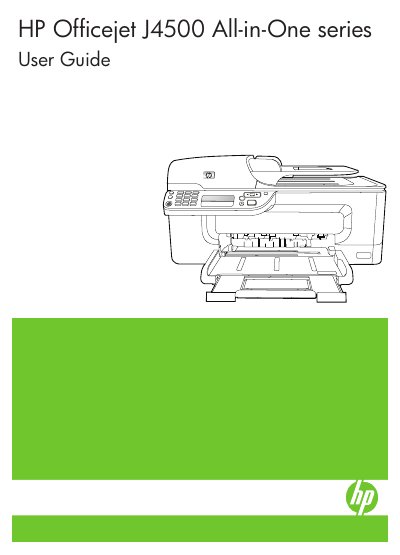
This guide covers everything needed to get started with the Officejet J4500 All-in-One, including safety information, device parts, and how to install and configure the printer on Windows or Mac OS. It also explains how to use the control panel, load media, and access HP software tools.
Later sections detail copy, scan, and fax functions, maintenance tasks such as cleaning ink cartridges, and troubleshooting steps for common issues like print quality problems or fax errors. Technical specifications and regulatory information are provided for reference.
| Physical size | 433.5 x 401.5 x 216.7 mm (17.1 x 15.8 x 8.5 inches) |
|---|---|
| Weight | 5.9 kg (13 lb) |
| Connectivity | USB 2.0‑compliant high speed device |
| Processor | ARM9 180 MHz |
| Duty cycle | Up to 3000 pages per month |
| Ink cartridges | Black and tri‑color ink cartridge |
The printer is rated for up to 3000 pages per month.
The device works with Windows (including Windows XP and Vista) and Mac OS, and supports the accessibility options of each OS.