
Canon camera user manual, introduces the use of the camera, including battery installation, date and time setting, shooting, playback, etc.
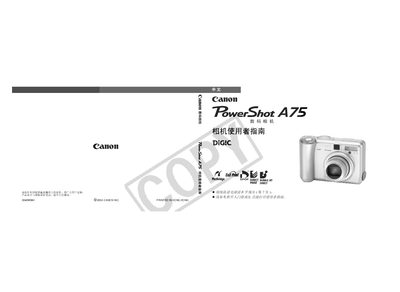
This Canon user guide provides step‑by‑step instructions for operating the PowerShot digital camera, including basic functions, shooting modes, menu navigation, and image playback. Safety precautions, battery handling, and troubleshooting tips are also included.
The manual contains detailed specifications of the camera’s sensor, lens, zoom, LCD, and autofocus system, as well as guidelines for connecting the camera to a computer, printing images, and using optional accessories. This manual is written in Chinese.
| Effective pixels | ≈ 3.2 MP |
|---|---|
| Image sensor | 1/2.7‑inch CCD, ≈ 3.3 MP |
| Lens focal length | 5.4‑16.2 mm (35 mm equiv. 35‑105 mm) |
| Maximum aperture | f/2.8‑f/4.8 |
| Digital zoom | ≈ 3.2× (up to 10× with optical zoom) |
| LCD screen | 1.8‑inch TFT, ≈ 118 k pixels |
| Autofocus points | 9‑point intelligent AF |
Only AA alkaline batteries or Canon AA NiMH rechargeable batteries (NB4‑200) are supported; other types are not recommended.
All menu and button changes can be reset to default values (except date/time, language, and video output settings) with a single operation.