
This document is the user manual for OKI MICROLINE 1190C printer, which introduces the operation method, function features and other information of the printer.
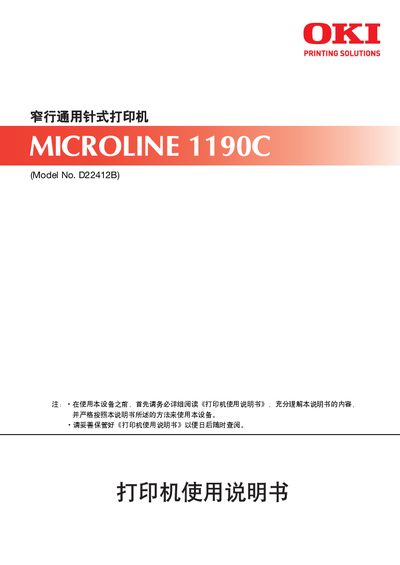
The manual introduces the OKI MICROLINE 1190C 24‑pin universal printer, covering unpacking, installation, connection to a host computer, and basic operation procedures.
It also details paper handling, menu settings, safety warnings, regular cleaning, consumable replacement, and provides technical specifications and control codes in the appendix. This manual is written in Chinese.
| Model number | D22412B |
|---|---|
| Needle count | 24 pins |
| Print width | 80 columns |
| Maximum paper thickness | 0.46 mm |
Do not touch the print head after printing because it becomes very hot.
Use genuine Oki Data consumables such as the original ribbon and ribbon cartridge; non‑genuine items may cause faults.
Follow the steps in Chapter 3 “Connecting to Host”.