
This document is a user guide for the HP Officejet J4500/J4660/J4680 All-in-One series printers, providing instructions and precautions for using the printer.
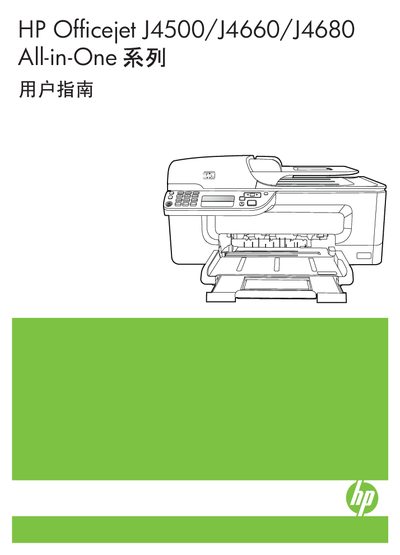
This manual guides users through the initial setup of the HP Officejet J4500/J4660/J4680 All-in-One printer, including unpacking, connecting power, installing ink cartridges, and configuring wireless or wired network settings. Detailed sections cover printing, copying, scanning, and faxing functions, as well as how to manage print jobs and adjust settings for different media types.
The document also includes maintenance procedures such as cleaning the print head, calibrating and replacing ink cartridges, clearing paper jams, and troubleshooting common error messages. Safety information and accessibility features are provided to ensure safe and inclusive operation. This manual is written in Chinese.
The manual’s "设置设备的无线通信功能(仅限 HP Officejet J4680)" chapter explains how to configure 802.11 wireless settings via the printer’s control panel or installation wizard.
The "打印质量差和意外的打印输出" and "解决打印问题" sections list common issues and corrective actions.