
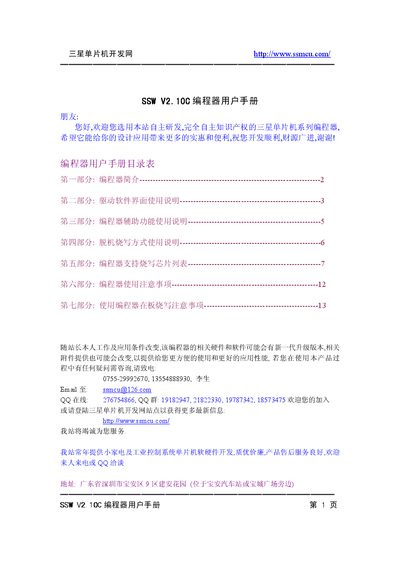
This document is the user manual for the Samsung MCU programmer, which introduces the introduction of the programmer, instructions for using the driver software interface, instructions for using the programmer's auxiliary functions, instructions for offline burning, the list of supported chips for the programmer, and precautions for using the programmer on the board.
The SSW V2.10C is a Samsung‑designed programmer for 4‑bit and 8‑bit MCU families. It supports full‑function programming of ROM up to 32 KB, with selectable VPP (12 V or VCC) and chip supply voltages (5 V or 3.3 V). The device works with a Windows driver (Win2000/XP/2003) and provides both online and offline programming modes.
The document is organized into seven sections: an introduction, driver software interface instructions, auxiliary function usage, offline programming method, a list of supported chips, general usage precautions, and special notes for on‑board programming. Each section includes step‑by‑step procedures, voltage settings, and wiring diagrams for various MCU packages. This manual is written in Chinese.
| Maximum ROM size | 32 KB |
|---|---|
| Programming voltage options | VPP = 12 V or VPP = VCC |
| Chip supply voltage options | 5 V or 3.3 V |
| Addressable programming range | 00000H–07FFFH (32 KB) |
The programmer can handle ROM up to 32 KB.
The driver runs on Windows 2000, Windows XP and Windows 2003; it does not support Windows Me or Windows 98.
Set the VPP‑SET switch to match the VPP option chosen in the software (12 V or VCC).
Connect the supplied power supply, attach the serial cable between the programmer and PC, power on the unit, start the driver software and select the appropriate COM port.