
This user guide provides information on setting up the printer, as well as detailed instructions on using the printer and troubleshooting. The second part of this guide provides information on installing the accompanying software and using its features. This manual is for informational purposes only.
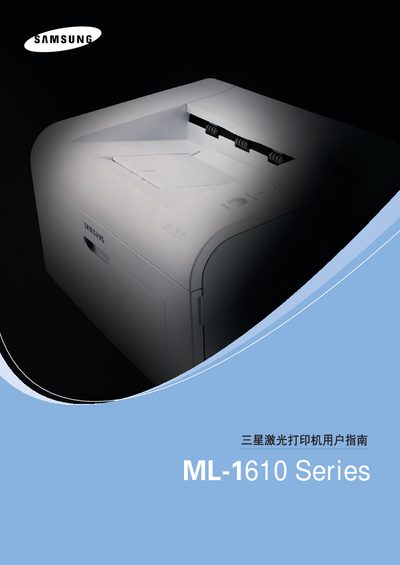
This user manual covers everything needed to set up and use the Samsung ML-1610 Series laser printer, including installation of the printer and its consumables, loading paper, configuring software drivers for Windows and Linux, and detailed operating procedures. It also explains special functions, print media options, and how to achieve optimal print quality.
Safety precautions, environmental information, and regulatory compliance details are included, along with a full specifications section that lists print speed, supported paper weights, and other technical data. A troubleshooting chapter helps resolve common issues such as paper jams, driver problems, and print quality concerns. This manual is written in Chinese.
| Print speed | 16 ppm (A4) / 17 ppm (Letter) |
|---|---|
| Supported paper weight (tray) | 60–90 g/m² |
| Supported paper weight (manual feed) | 60–163 g/m² |
Remove the paper, check that it is loaded correctly, and reload it ensuring proper alignment in the tray.
Open the front cover, locate and remove the jammed paper, and make sure the paper tray is not overfilled before closing the cover.