
This is a summary of the Epson Projector Control User's Guide. The document describes how to use the Epson Projector Control software to control Epson projectors.
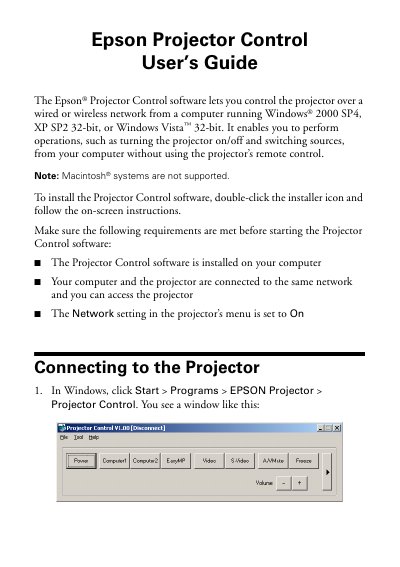
The Epson Projector Control software allows users to control compatible Epson projectors over a wired or wireless network from a Windows computer. Supported operating systems include Windows 2000 SP4, XP SP2 32-bit, and Windows Vista 32-bit. The software enables operations such as turning the projector on or off and switching input sources without using the physical remote control. Note that Macintosh systems are not supported.
The software supports computers running Windows 2000 SP4, XP SP2 32-bit, or Windows Vista 32-bit.
Your computer and the projector must be connected to the same network and you must be able to access the projector.
Click the Power button to turn the projector's power on or off.