
This is a user manual for a digital photo frame. It introduces the features and usage of the photo frame.
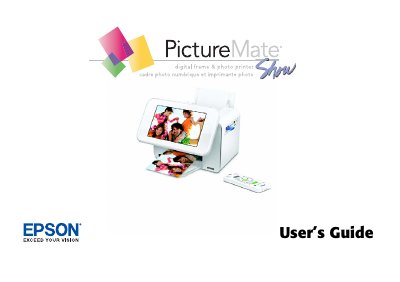
The Epson PictureMate is a portable personal photo lab and digital photo frame designed for viewing and printing photos directly from digital camera memory cards. It supports various entertaining slideshow modes, editing features like cropping, and PictBridge compatibility for direct connection to cameras.
This manual provides instructions on preparing the device, inserting memory cards, loading paper, and using the remote control. It details how to print photos in different sizes (wallet-size), save digital files to a computer or thumb drive, replace the Print Pack, and set up network printing capabilities.
| Supported Photo Formats | JPEG files only |
|---|---|
| Image Resolution Range | 80 x 80 to 9200 x 9200 pixels |
| Maximum Photo Capacity | Up to 9,999 photos |
| Print Size | Wallet-size photos, 19 to 20 |
The device supports JPEG files only for viewing and printing without a computer.
PictureMate recognizes and prints up to 9,999 photos found on your memory card.
Yes, if you have a PictBridge-enabled camera, you can connect it to PictureMate and control printing right from the camera.